
You can transfer your progress to another device by linking your account from "Link Account" button.
Enter your linked information on your new device, and you will be ready to pick up right where you left off.
Step 1
On your previous device: Launch the app > Settings > tap "Link Account" button and select the platform you wish to link.
*This step is unnecessary if you have already made the link.
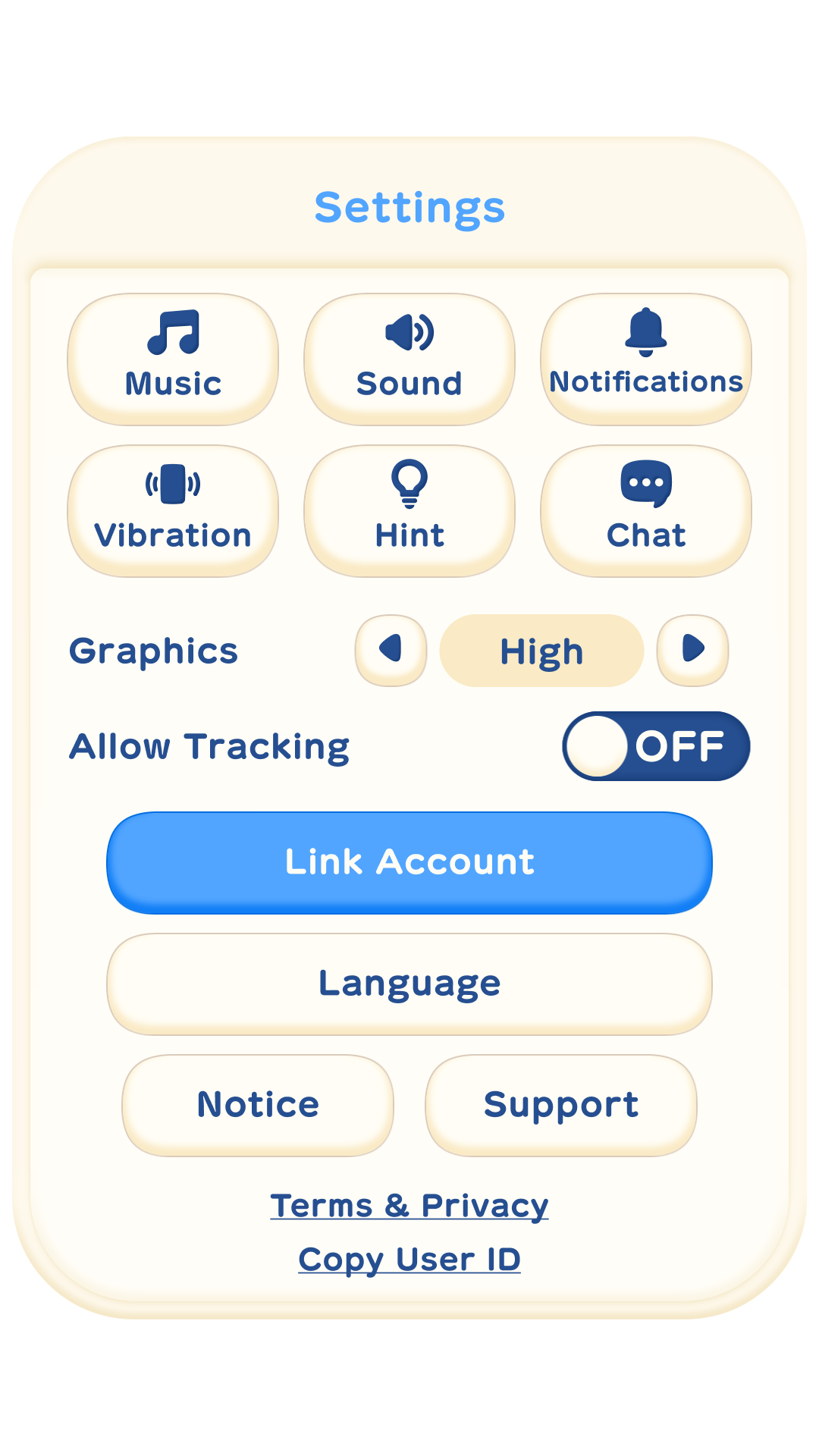
Step 2
On your new device: Launch the app > select Settings on the upper right of the the screen where "Tap to Start" is displayed > tap "Link Account" button and select the platform chosen in Step 1.
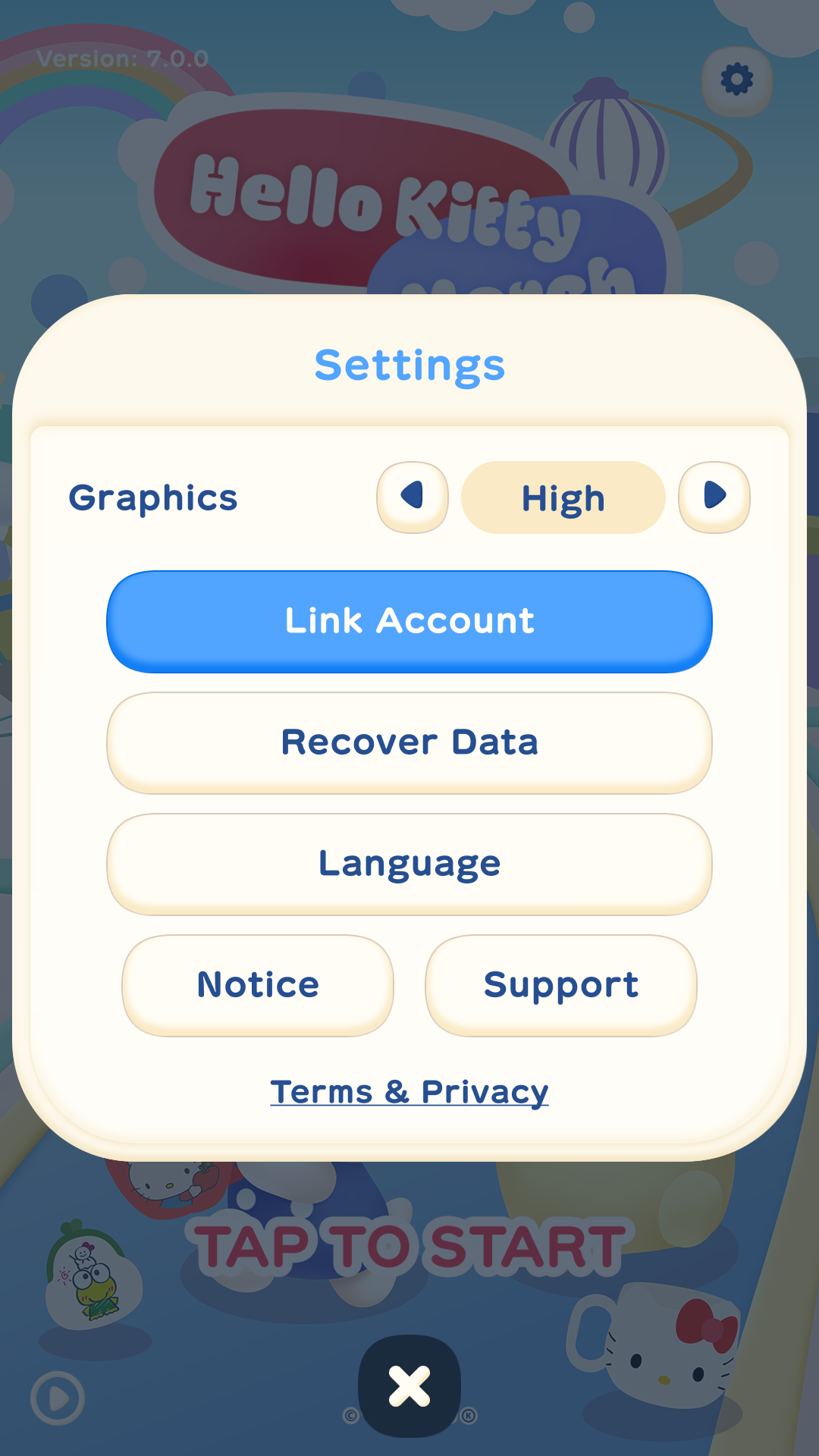
Note:
You cannot log in from multiple devices at the same time.
If you are unsure about account linkage, please check "About account linkage".